Intersecting Commitment Contact Sharing
How can adorers contact the adorers scheduled around their hour?
When an adorer can't attend their commitment, the simplest solution is often to ask the adorers before and after them to cover their absence.
Enable this feature with the Enable intersecting commitment contact sharing field at Admin » Settings » Miscellaneous.
Viewing Other Adorers
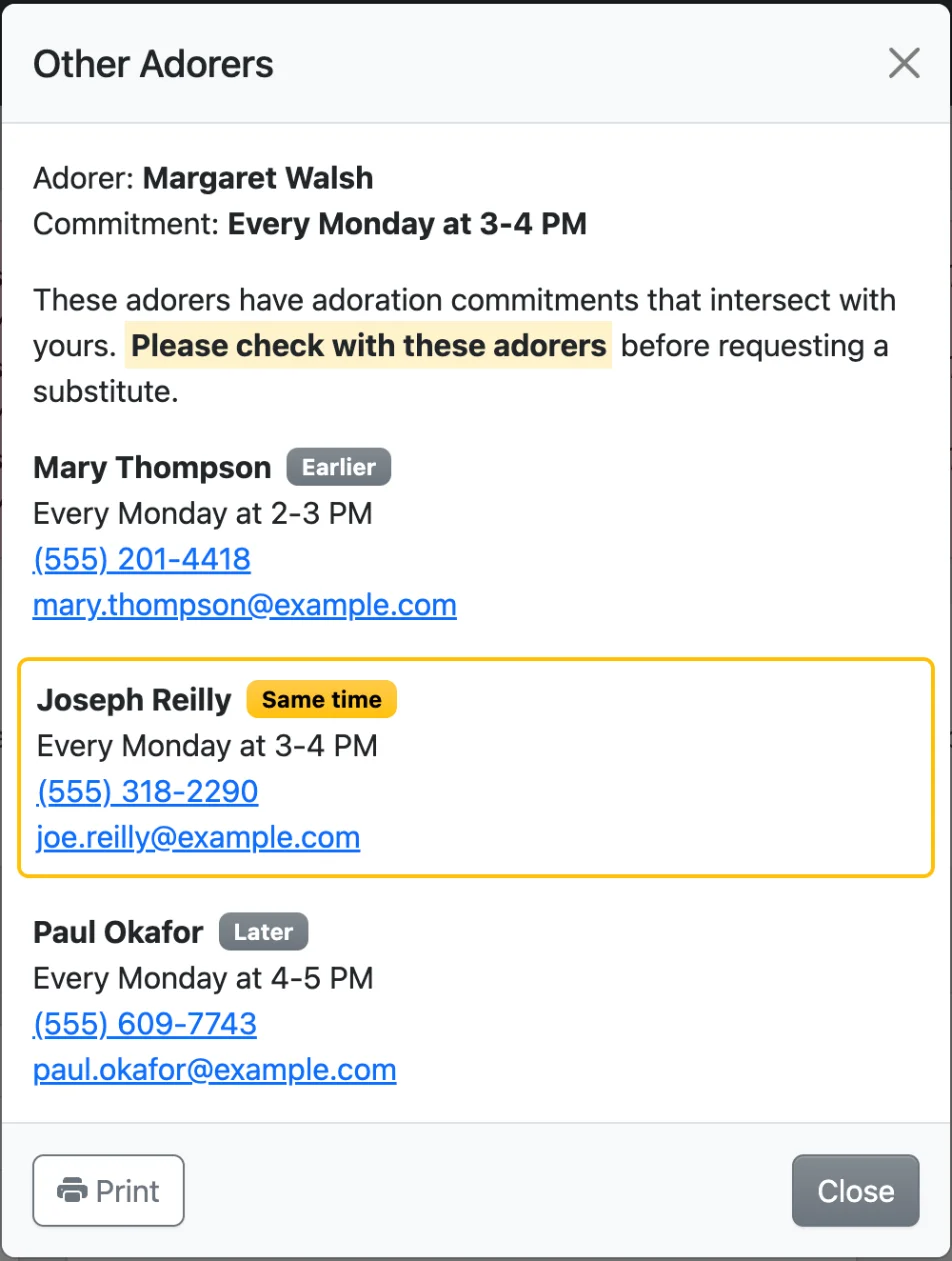
When other adorers have commitments starting from 1 hour before to 1 hour after an adorer's own, that commitment on the adorer's Dashboard page shows a link with the count, such as View 3 other adorers. Substitutes see it too, on the dates they've claimed.
Clicking it lists the other adorers' commitments and contact information, highlighting those at the same time, and the list can be printed to keep on hand. Adorers who turned off contact sharing show No contact information. Learn about other privacy controls.
Checking Before Requesting a Substitute
Clicking Request Substitute can first show the Other Adorers prompt for that specific date. It lists the adorers scheduled around that date, including substitutes, and asks the adorer to check with them before requesting a substitute.
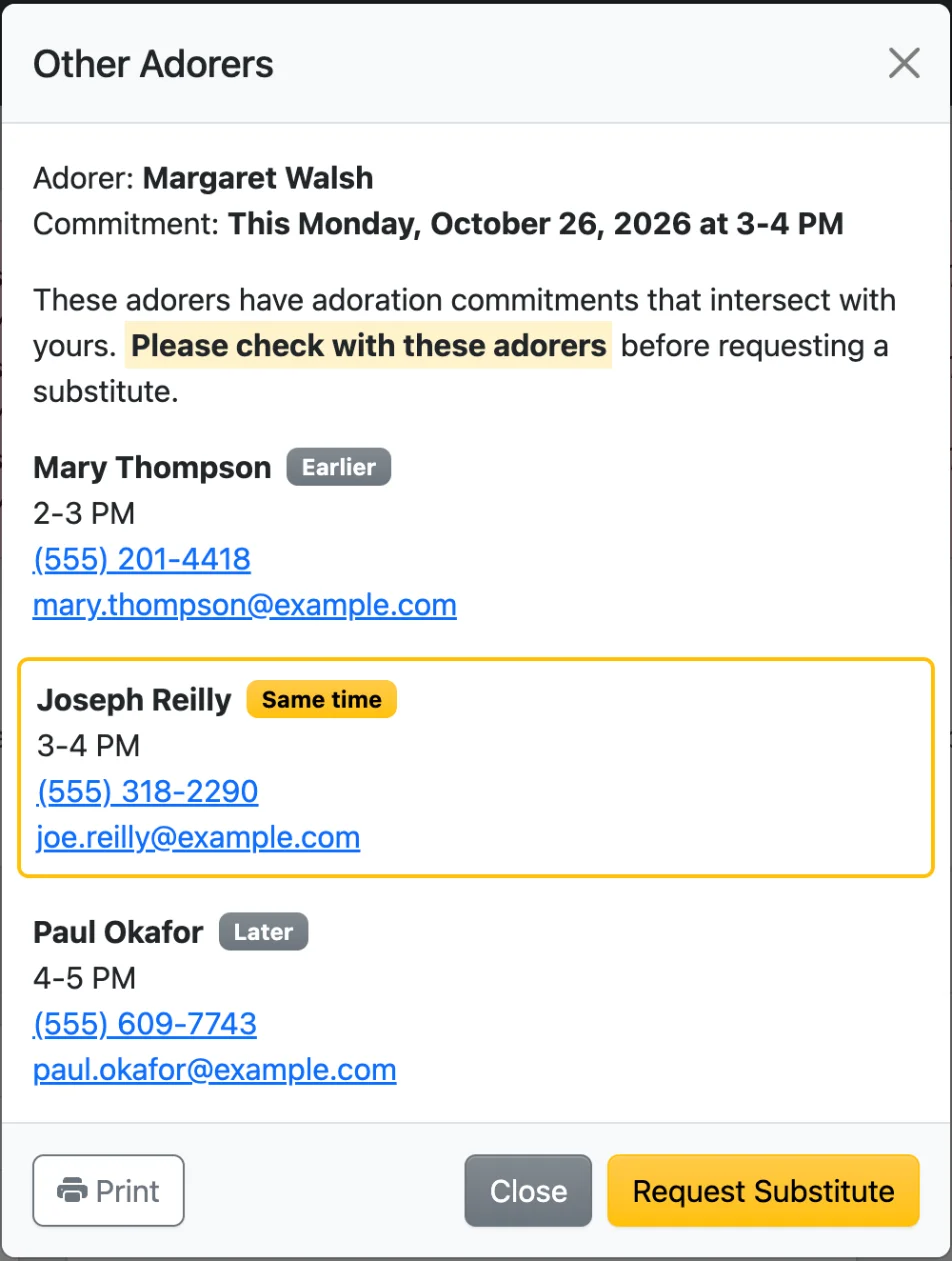
The prompt's Request Substitute button continues to the substitute request form. If nobody is scheduled around that date, the prompt is skipped and the form opens directly.
Toggle whether this prompt appears with the Show the Other Adorers prompt when requesting a substitute setting at Admin » Settings » Substitutes.