We're excited to introduce Groups—a flexible new way to organize your adorers.
Groups can be used in a variety of ways:
- Emergency substitutes to quickly contact for last-minute substitute requests
- Snowbirds to track adorers who will resume their commitment later
- Key holders to track adorers who have chapel keys
- Night adorers to organize those committed to overnight hours
- New adorers to track those still in an introductory period
We have some big plans for groups, including:
- Group commitments for families or teams who share an hour
- Group rotation commitments for groups who take turns covering an hour
- Hour restrictions to control who may make commitments for specific hours
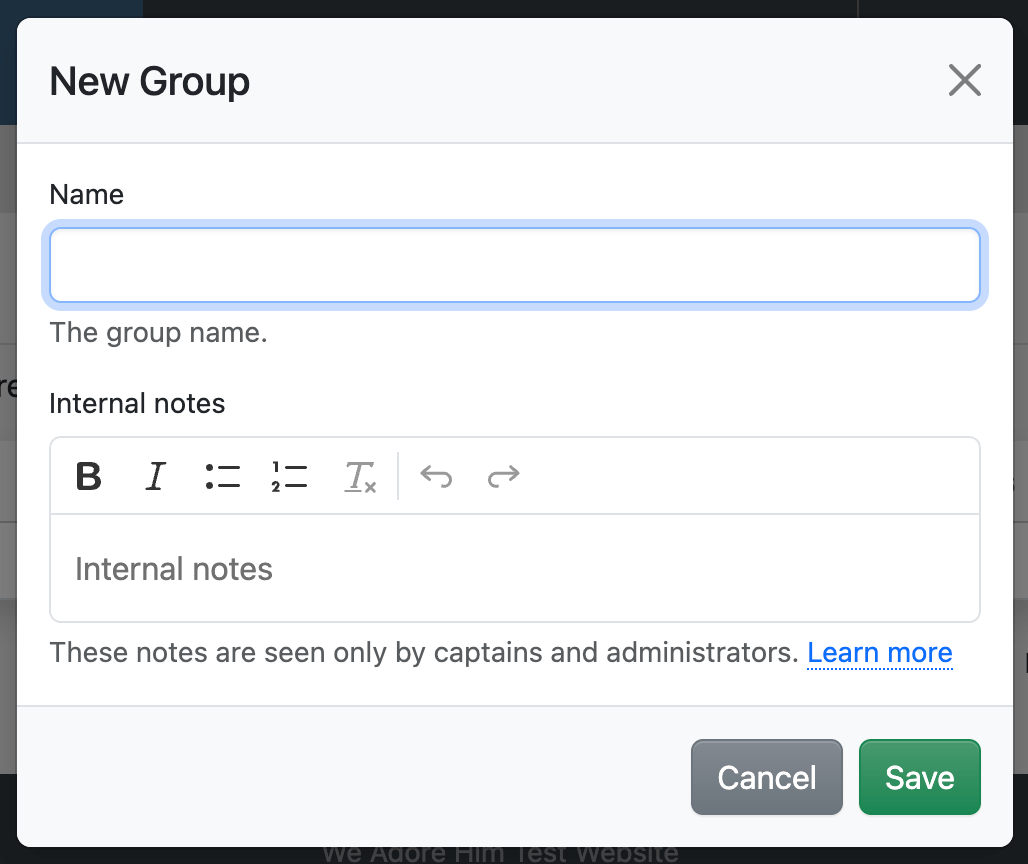
To create a group, visit Admin » Groups and click New Group.
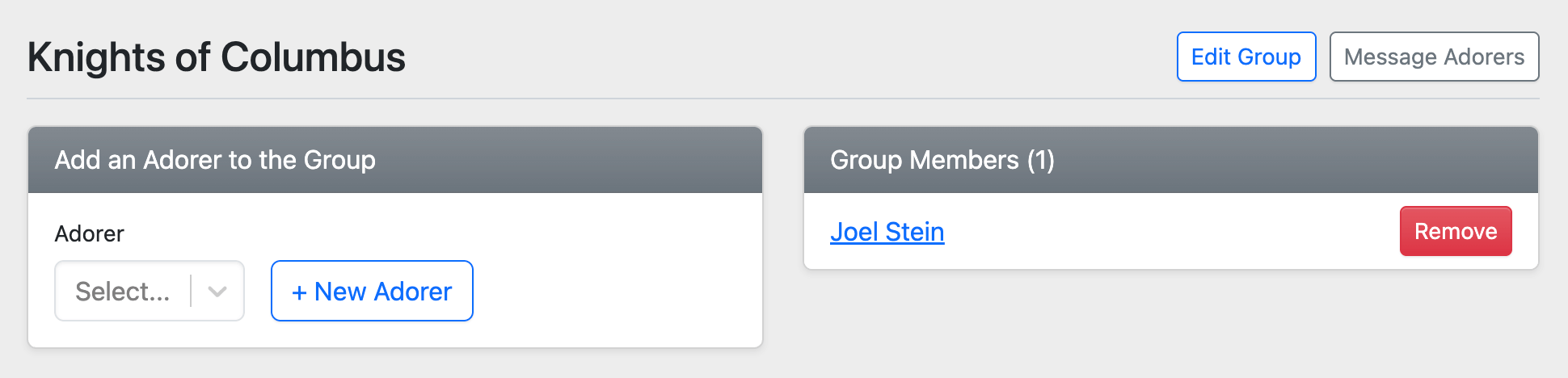
After creating a group, click its name to open the Group Dashboard where you can add adorers.